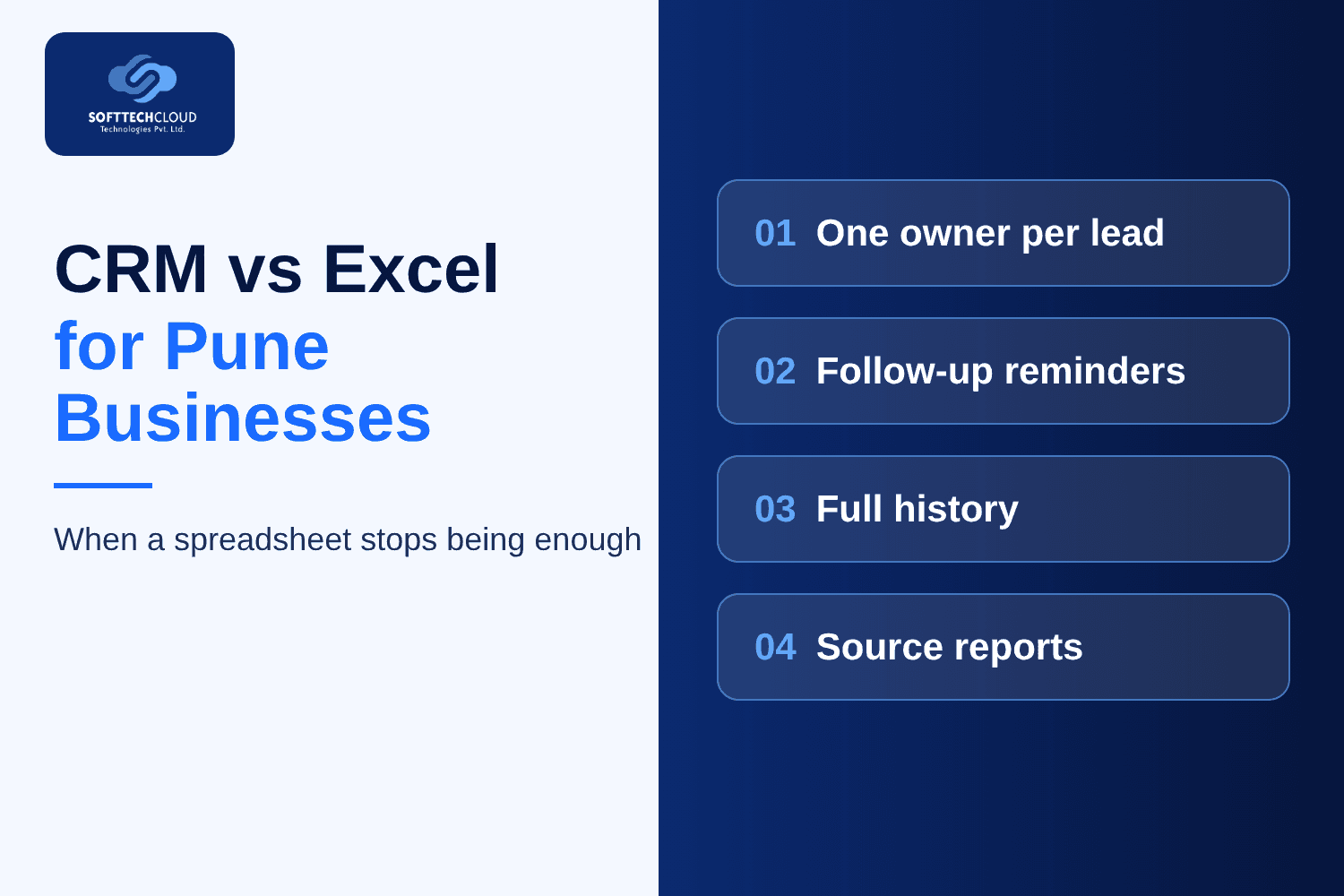
CRM vs Excel for Pune Businesses: When a Spreadsheet Stops Being Enough
Excel works well for the first few dozen leads. Here is where it starts to cost you follow-ups, how a CRM differs, and how to switch without losing your data.
Key takeaways
- Excel is a good place to start. It is flexible, familiar and already on your computer.
- The problem is rarely size. Excel allows 1,048,576 rows and 16,384 columns per worksheet. The problem is that a spreadsheet does not, by itself, assign leads, remind anyone to follow up or keep an activity history.
- Research on spreadsheet errors is consistent: errors are common, and they are hard to spot by eye.
- Move to a CRM when more than one person touches the same leads, when follow-ups are being missed, or when you cannot say where your leads come from.
- Switch in stages: clean the sheet, import it, run both for a short period, then retire the sheet.
A CRM is better than Excel once several people work the same leads and follow-up timing starts to affect revenue. Excel stores rows. A CRM stores each customer's history, assigns owners, sets reminders and shows where every lead stands, so nothing depends on one person remembering to update a file.
This guide is for owners and sales heads at Pune businesses who run their pipeline in a spreadsheet today. It explains what Excel does well, where it starts to cost you, and how to move to a CRM in a way that does not disrupt your team.
1. What Excel does well
Excel is a sensible first tool. It costs nothing extra, anyone can open it, and you can change a column in seconds. For a one-person business with a short list of customers, a CRM can be more than you need. Start with the sheet, and keep it tidy.
- Quick to set up: no training, no vendor, no waiting.
- Flexible: add a column for anything you want to track.
- Good for one-off analysis, pivot tables and charts on exported data.
2. Where Excel starts to hurt
The trouble starts when the sheet becomes the shared memory of a sales team. These are the points where Pune businesses most often feel it:
- Two people edit the same lead, or each keeps their own copy. Nobody is sure which version is current.
- A lead goes quiet because no one was reminded to call. The sheet has no way to nudge anyone unless someone builds that with formulas or macros.
- There is no activity history. You can see the last note, not the calls, messages and quotes that came before it.
- You cannot see who can open or export the file. Anyone with a copy has your entire customer list.
- Reporting means rebuilding a pivot table each time, and the numbers depend on how carefully the sheet was filled in.
3. What the research says about spreadsheets
Spreadsheet errors are well documented. In his review of spreadsheet error research, Raymond Panko reports that field audits found errors in 24% of the 367 spreadsheets audited, and that more recent audits found errors in at least 86%. A lead sheet is simpler than a financial model, so those numbers do not transfer directly. The lesson that does transfer is that a person reading a spreadsheet is a poor error detector.
Speed of follow-up matters too. A Harvard Business Review study of more than a million web-generated sales leads found that companies responding within an hour were nearly seven times as likely to qualify the lead as those responding an hour later. The data is US-based and dated, but it points the same way as what most sales teams see: slow follow-up costs leads. A sheet cannot tell you which leads are about to go cold.
4. Excel vs CRM, side by side
| Question | Excel | CRM |
|---|---|---|
| Who owns this lead? | Whoever typed their name in a column | Assigned owner, visible to the team |
| When should we call next? | Depends on someone remembering | Reminder or task tied to the lead |
| What happened so far? | Last note, if it was updated | Full history of calls, messages and notes |
| Where did the lead come from? | A source column, filled in by hand | Captured at entry and reportable |
| Who can see or export data? | Anyone with the file | Role-based access, with an audit trail |
| Reports | Rebuilt manually | Live pipeline and source reports |
| Setup effort | Minutes | Days to weeks, depending on scope |
5. Signs it is time to move
- More than two or three people update the same list.
- You have missed or late follow-ups because the sheet did not flag them.
- Leads arrive from WhatsApp, calls, your website and portals, and they are copied into the sheet by hand.
- You cannot say, quickly, which source produced your last ten customers.
- A salesperson leaving would take part of your pipeline with them.
- You need to show who consented to be contacted. Our DPDP Act compliance checklist explains why records like that matter.
6. How to switch without disruption
- Clean the sheet first: one row per customer, one format for phone numbers and dates, duplicates merged.
- Decide your pipeline stages in plain words, such as New, Contacted, Quote sent, Won, Lost.
- Import the cleaned data into the CRM and check a sample against the sheet.
- Run both for a short, fixed period, then make the CRM the only place where leads are updated.
- Make the old sheet read-only, so there is one source of truth.
If you want a CRM shaped around your own sales process, see our custom CRM development service. For a sector example, read the real estate CRM guide. Not sure which way to go? Our guide on how to choose a CRM for a small business in Pune lists the questions to ask.
Frequently asked questions
For a handful of customers and one person managing them, yes. Once several people share the list, or follow-ups are being missed, a CRM starts to pay for itself.
Microsoft documents a limit of 1,048,576 rows by 16,384 columns per worksheet. Most sales teams run into shared-editing and follow-up problems long before they hit that limit.
Yes. Most CRMs import CSV or Excel files. Clean the data first: one row per customer, consistent formats, duplicates removed.
A small team with a clean sheet can import in a day. Configuring stages, fields and reminders to fit your process usually takes longer, and depends on scope.
Ready-made tools suit standard processes. A custom build suits unusual workflows or integrations. Either way, confirm in writing that you can export your data.
Adoption depends on keeping it simple: few required fields, reminders that help, and a rule that leads are only updated in the CRM.
Want a second opinion on your current setup? Talk to our team and we will tell you honestly whether you need a CRM yet.
Sources
- Raymond R. Panko, "What We Know About Spreadsheet Errors": https://arxiv.org/abs/0802.3457
- Microsoft Support, "Excel specifications and limits": https://support.microsoft.com/en-us/office/excel-worksheet-and-workbook-limits-c13798fc-f1d5-4e73-998d-c02268bc65ae
- Harvard Business Review, "The Short Life of Online Sales Leads" (Oldroyd, McElheran and Elkington), March 2011: https://scholarsarchive.byu.edu/facpub/9711
IT & Marketing Head
More From The Team
A few related posts, picked from the same beat.