How to Choose a CRM for a Small Business in Pune: A Practical Checklist
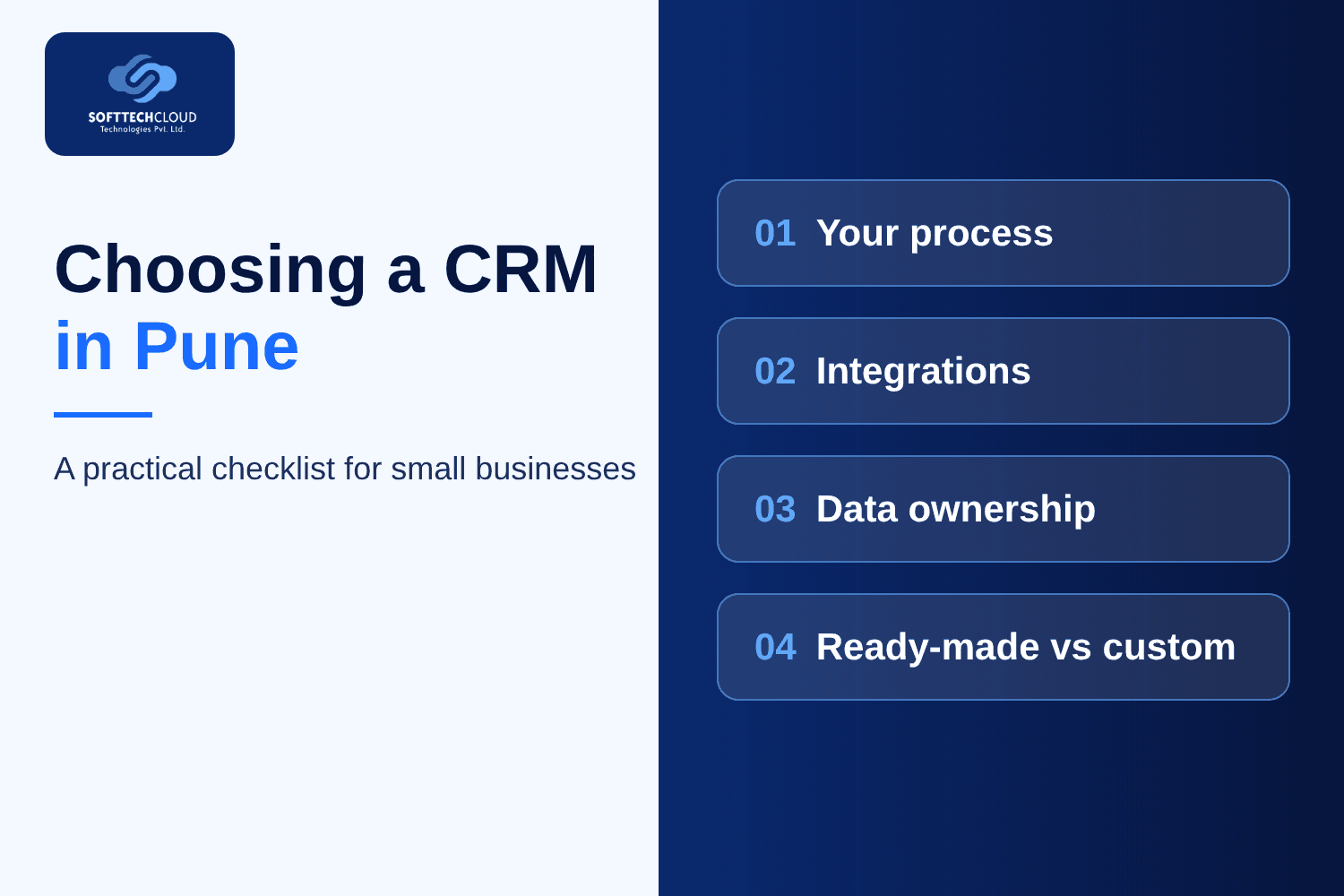
Choosing a CRM is easier when you start with your sales process, not a feature list. Use these criteria to compare ready-made and custom options.
Key takeaways
- Write down your sales process before you look at any tool.
- Judge a CRM by how well it fits that process, not by how many features it lists.
- Check integrations, data export, access control and support before you sign.
- Ready-made suits standard processes. Custom suits unusual workflows or integrations.
- Run a small trial with real leads and your real team.
To choose a CRM for a small business in Pune, start with your sales process, list the few things the CRM must do, then compare tools on fit, integrations, data ownership, support and total cost. A short trial with real leads will tell you more than any feature list or demo.
This checklist is for owners and sales heads who are comparing CRM options for the first time. It deliberately avoids vendor names and prices, which change often. Check current pricing directly with each vendor.
1. Start with your sales process
Before opening any website, write your process in plain steps: how a lead arrives, who calls first, what you ask, when you send a quote, how you decide a lead is lost. If your steps are standard, a ready-made tool will probably fit. If they are not, that is a signal to look at a configurable or custom option.
2. Decide your must-haves
- Capture leads from your website and other channels.
- Assign each lead to an owner.
- Reminders and tasks for follow-up.
- Notes and activity history on each customer.
- A pipeline view and simple source reports.
- Mobile access for people who work in the field.
Keep this list short. Every extra requirement adds cost and setup time. You can add more later.
3. Compare options on the same criteria
| Criterion | What to ask |
|---|---|
| Fit | Can it follow our stages and fields without workarounds? |
| Integrations | Can it connect to the tools we use, such as WhatsApp, email, accounting software or listing sites? Ask for specifics. |
| Data ownership | Can we export all our data, in a usable format, whenever we want? |
| Access control | Can we limit who sees and exports what? |
| Support | Who helps when something breaks, and in which hours and language? |
| Total cost | What do licences, setup, training and add-ons cost over a year? |
| Privacy | Where is data stored, and can the tool record consent and handle deletion requests? |
4. Ready-made or custom?
| Ready-made | Custom | |
|---|---|---|
| Best for | Standard sales processes | Unusual workflows or integrations |
| Setup | Faster to start | Needs discovery and build |
| Fit | You adapt to the tool | The tool adapts to you |
| Changes | Limited to what the vendor allows | Limited by your scope and budget |
| Watch out for | Per-user costs and add-on charges | Scope creep and dependence on the builder |
Neither is better in every case. If you are unsure, start with a ready-made tool, learn what you actually use, and consider custom only when the tool clearly gets in the way.
5. Check integrations early
Indian sales teams often work through WhatsApp, email, accounting software and listing or directory sites. What a CRM can connect to depends on each tool's own API or export options, so ask for each integration by name and confirm it before you commit.
6. Run a trial with real leads
- Pick two or three people and one lead source.
- Use real leads for a fixed period, such as two weeks.
- Check whether people actually update it, and whether reminders help.
- Review what was missing, then decide.
If you want a CRM built around your process, see our custom CRM development. To understand when a spreadsheet stops working, read CRM vs Excel for Pune businesses. For a sector view, read the real estate CRM guide, and keep our DPDP Act checklist in mind when you handle customer data.
Frequently asked questions
It depends on the tool, the number of users and the setup. Prices change, so ask each vendor for a written quote that includes licences, setup, training and add-ons.
It can be a reasonable way to learn what you need, as long as you can export your data later and the limits fit your team.
Ask about the tools you already use, such as WhatsApp, email and accounting software, and confirm each one by name.
Keep the first version simple, limit required fields, and make the CRM the only place where leads are updated.
When your process or integrations do not fit ready-made tools without heavy workarounds, or when you need unusual reporting or approvals.
Only if the CRM allows a full export. Confirm this in writing before you commit.
Need help comparing options? Book a free requirements call and we will give you a written view before you decide.
Sources
- This checklist uses no external statistics. It is a practical framework, not research findings.
IT & Marketing Head
More From The Team
A few related posts, picked from the same beat.